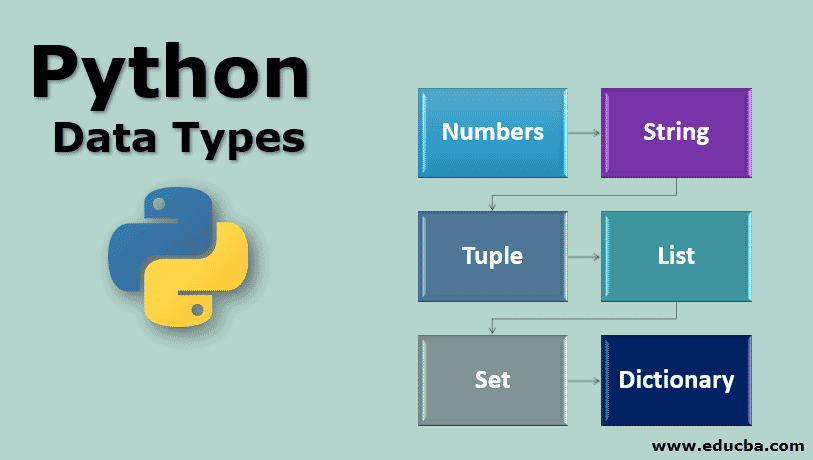
Python Data Types
Data Types are used to define the type of a variable. It explains what type of data we will store in a variable. The data stored in memory can be of many types. For example, a person’s age is stored as a numeric value and his or her address is stored as alphanumeric characters. In Python, we need not declare a datatype while declaring a variable like C or C++.
The following are the standard or built-in data types in Python:
| Data Types | Classes | Description |
| Numeric | int, float, complex | Holds numeric values |
| String | str | Holds sequence of characters |
| Sequence | list, tuple, range | Holds collection of items |
| Mapping | dict | Holds data in key-value pair form |
| Boolean | bool | Holds either True or False |
| Set | Set, frozenset | Hold collection of unique items |
type() Function In Python:
The type() function is an in-built function in Python. It returns the class type of the object passed to it and is used for debugging purposes in most cases.
>>> type(123)
Result: <class ‘int’>
>>> type(9.99)
Result: <class ‘float’>
x = -7.65
>>>type(x)
Result: <class ‘float’>
Data Type Conversion:
Type conversion is the process that converts one type of data into another.
There are two types of type conversion in Python:
Python Implicit Type Conversion:
In implicit type conversion, the Python interpreter automatically converts one data type to another without any user involvement.
Example:
In Python, when we mix different types of numbers in a calculation, Python adjusts them automatically. For instance, if we have ‘x’ as a whole number (integer) and ‘y’ as a decimal (float), Python handles them appropriately. It won’t turn ‘y’ into a whole number to avoid losing any information. This is called Implicit type conversion. In this case, ‘z’ became a decimal (float) due to this automatic adjustment.
x = 10
print(type(x))
y = 10.6
print(type(y))
z = x + y
print(z)
print(type(z))
output:
<class ‘int’>
<class ‘float’>
<class ‘float’>
Python Explicit Type Conversion:
In explicit type conversion, the data type is manually changed by the user as per their requirements.
Here are some examples of explicit type conversion:
Converting integer to float
x = 5
y = 7
# Explicit type conversion from int to float
z = float(x + y)
print(z)
output: 12.0
Converting float to integer
a = 5.1
b = 3.2
# Explicit type conversion from float to int
c = int(a + b)
print(c)
output: 8
Converting Unicode to Character
print(
chr(68),
chr(65),
chr(84),
chr(65))
output: DATA